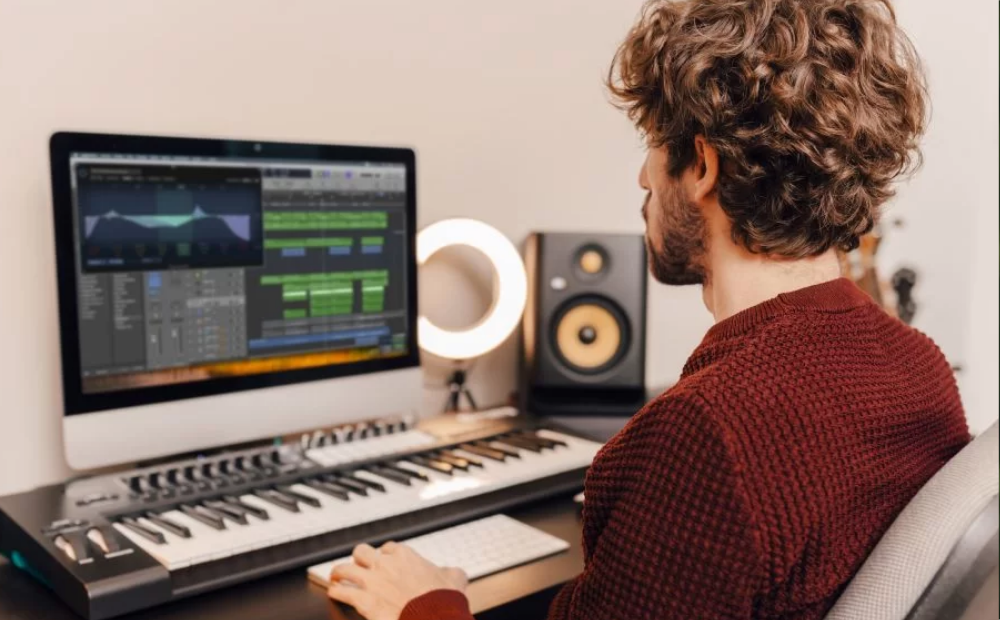
Music shapes how we feel. It makes videos exciting, stories emotional, and messages memorable. But for many people, creating music feels hard, expensive, or confusing. This is where Adobe’s AI Music Generator steps in and changes the game.
I have worked with content creators, editors, and marketers for years. One common problem always comes up. They need music, but they don’t have time to search endless stock libraries. Adobe’s new AI music technology offers a fresh solution. It helps people create original music quickly, without needing musical skills.
This article explains Adobe’s AI Music Generator in clear and simple words. You’ll learn how it works, who it helps, why it matters, and how it fits into real creative workflows. Whether you are a beginner or a professional, this guide is written for you.
What Is Adobe’s AI Music Generator?
Adobe’s AI Music Generator is a smart tool that creates music using artificial intelligence. It is part of Adobe’s larger AI platform called Adobe Firefly. The goal is simple. Let anyone create music using text prompts instead of instruments.
You type what you want. For example, “calm background music for a travel video.” The AI then creates a matching audio track. You don’t need to know music theory. You don’t need expensive software or studio gear.
From my experience, Adobe designed this tool with creators in mind. It feels less technical and more creative. You focus on ideas, not buttons. This makes it different from older music software that often feels overwhelming.
Why Adobe Built an AI Music Tool
Adobe has always supported creative people. Tools like Photoshop and Premiere Pro are used worldwide. Adding AI music creation fills a major gap in the creative process.
Many creators already edit videos in Adobe apps. Before this tool, they had to leave Adobe to find music. That wasted time and broke creative flow. Now, music creation becomes part of the same workspace.
Adobe also understands copyright risks. Many AI tools use unclear data sources. Adobe took a safer route by training its AI with licensed and approved content. This builds trust, especially for professionals.
How Adobe’s AI Music Generator Works
The process behind Adobe’s AI Music Generator is simple and user-friendly. You start with a text description. This description guides the AI.
You can mention mood, style, speed, or purpose. The AI analyzes your words and generates music that fits. You can adjust the length to match your video or project.
I tested early AI music tools years ago. They often sounded robotic. Adobe’s results feel smoother and more natural. While it’s not perfect, it’s impressive for fast background music and creative drafts.
Key Features That Make It Stand Out
Adobe’s AI music tool offers features that help both beginners and professionals.
First, it creates royalty-free music. This means you can use it for YouTube, ads, or client work without fear. Second, it allows mood control. You can choose calm, happy, dramatic, or energetic sounds.
Another strong feature is time control. You can generate music that fits your exact video length. This saves editing time. Adobe also plans deeper integration with its editing tools, making workflows smoother.
Who Should Use Adobe’s AI Music Generator?
This tool is helpful for many people.
Video creators can add background music quickly. Podcasters can create custom intro sounds. Marketers can generate short music clips for ads. Teachers and students can use it for presentations.
I’ve seen beginners feel confident using this tool within minutes. That’s a big win. You don’t feel lost. You feel supported.
Even experienced editors benefit. It speeds up drafts and helps test ideas before final production.
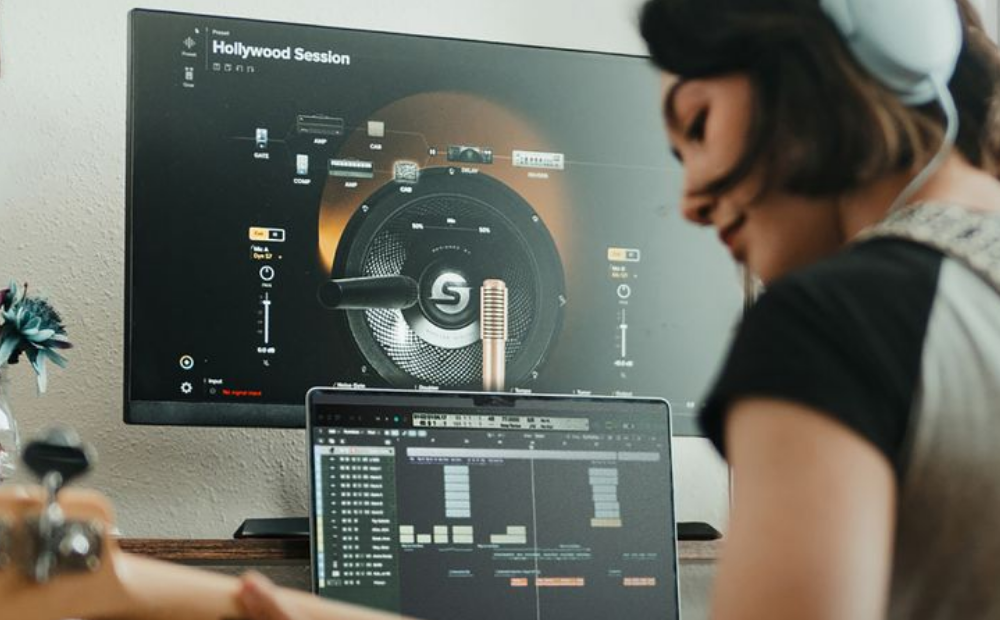
Adobe’s AI Music Generator vs Traditional Music Creation
Traditional music creation takes time. You need skills, tools, and patience. Hiring musicians or buying licenses can be expensive.
With Adobe’s AI Music Generator, you skip many barriers. You get instant results. While it may not replace a professional composer for films, it works well for daily content.
From real use, I see it as a creative partner. It helps start projects faster. Later, you can refine or replace music if needed.
Copyright Safety and Trustworthiness
Copyright is a serious concern today. Many creators lose income due to music claims.
Adobe built trust by training its AI on licensed data. This means the music you create is safe to use. Adobe also stands behind its tools legally, which adds confidence.
As someone who values safe content creation, this matters a lot. Trust is part of E-E-A-T, and Adobe understands that well.
Integration With Adobe Creative Tools
One exciting part of Adobe’s AI Music Generator is future integration. Adobe plans to connect it with Premiere Pro and After Effects.
This means you can generate music inside your editing timeline. You can match beats with cuts. You won’t need to switch apps.
From experience, small workflow improvements save hours over time. This integration makes creativity smoother and less stressful.
Real-World Example From My Experience
I recently worked on a short travel video. The visuals were strong, but the music search took hours. I tested AI-generated music from Adobe. Within minutes, I found a track that fit the mood.
Was it perfect? No. But it was good enough to publish. That saved time and energy. For many creators, that’s exactly what they need.
Limitations You Should Know About
No AI tool is perfect. Adobe’s AI music may feel simple for complex compositions. It works best for background music, not full orchestral scores.
Genre variety is growing but still limited. Internet access is required. These are fair trade-offs for speed and ease.
Understanding limits builds trust. Adobe is improving the tool, and updates will likely solve many issues.
Tips to Get Better Results
Clear prompts give better music. Mention mood, use case, and pace. Try different variations.
Use short descriptions first. Then refine. Combine AI music with manual edits for best quality.
From experience, experimentation is key. Treat it like a creative assistant, not a final judge.
The Future of Adobe’s AI Music Generator
AI music is still young. Adobe is investing heavily in generative AI. Future updates may include sound effects, voice tones, and adaptive music.
Adobe focuses on creators, not just technology. That gives confidence that updates will stay useful and ethical.
Final Thoughts: Is Adobe’s AI Music Generator Worth Using?
Adobe’s AI Music Generator makes music creation easier, faster, and safer. It removes fear and friction from the creative process. For beginners, it builds confidence. For professionals, it saves time.
From personal experience, it feels like a helpful creative partner. Not perfect, but powerful. If you create videos, podcasts, or digital content, this tool is worth exploring.
Music should support your story, not slow you down. Adobe’s AI music helps keep creativity moving forward.
FAQs About Adobe’s AI Music Generator
Is Adobe’s AI Music Generator free?
Some features may be included with Adobe plans. Pricing may vary as the tool evolves.
Can I use the music on YouTube?
Yes. The music is designed to be royalty-free and copyright-safe.
Do I need music skills?
No. The tool works with text prompts and simple controls.
Is Adobe Firefly the same thing?
Adobe Firefly is the AI platform. The music generator is part of it.

Leave a Reply